
Getting Started with Virtual Reality: Your Guide to Exploring the World of VR

“Virtual reality is truly a new communication platform. By feeling truly present, you can share unlimited spaces and experiences with the people in your life. Imagine sharing not just moments with your friends online, but entire experiences and adventures.”–
Mark Zuckerberg
Based on the training sessions we conducted as part of the project “Training Registry of the Modern Business Services Sector,” which is a component of the Erasmus+ program, we’ve gathered a collection of practical insights we hope will help you start your own virtual reality journey. If you’re a teacher, educator, or technology enthusiast eager to bring VR into your workshops, training sessions, or other forms of education, this article is for you. In a simple and approachable way, I’ll show you how to step into the world of virtual reality—without overwhelming technical details or costly investments. From choosing the right equipment to designing engaging learning experiences—here’s everything you need to make VR your ally in modern education.
VR – Where to Start?
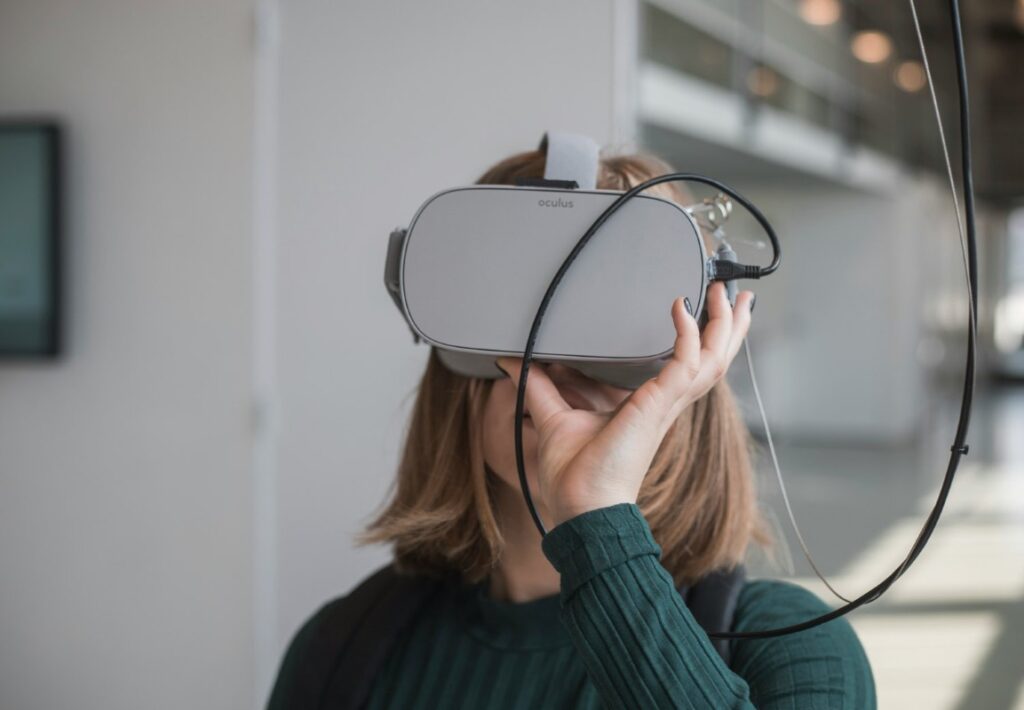
During our workshops, participants quickly realized that today’s VR technology is becoming increasingly accessible—it doesn’t require a large budget or specialized knowledge. The people we trained came from different age groups and backgrounds, and most had little technical experience. It’s a myth that virtual reality is only for young people. Our experience shows that anyone, regardless of budget or technical skills, can integrate VR into their training programs. The first step in your VR journey is choosing the right equipment. Fortunately, the market offers a wide range of options—from simple cardboard headsets to advanced standalone systems. Here are a few options worth considering:
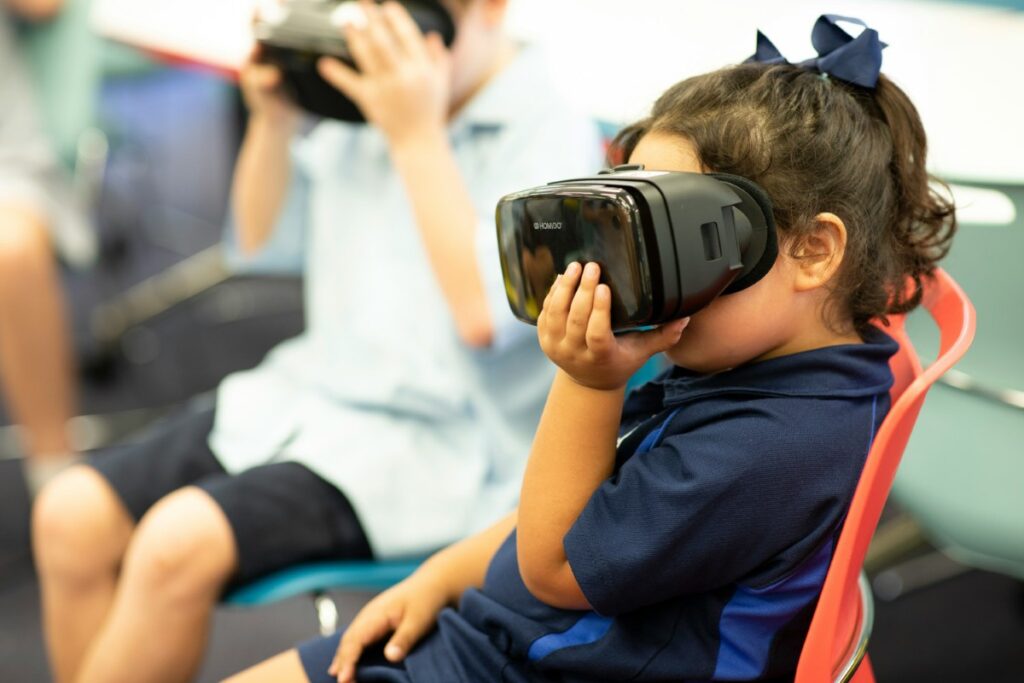
- Smartphone and Cardboard Goggles: The most affordable way to get started with VR. Goggles like Google Cardboard cost between 30 and 100 PLN. Just place your smartphone inside, download a free VR app (e.g., YouTube VR or Google Arts & Culture), and you’re ready to go. It’s a great low-cost way to test the technology—perfect for beginners.
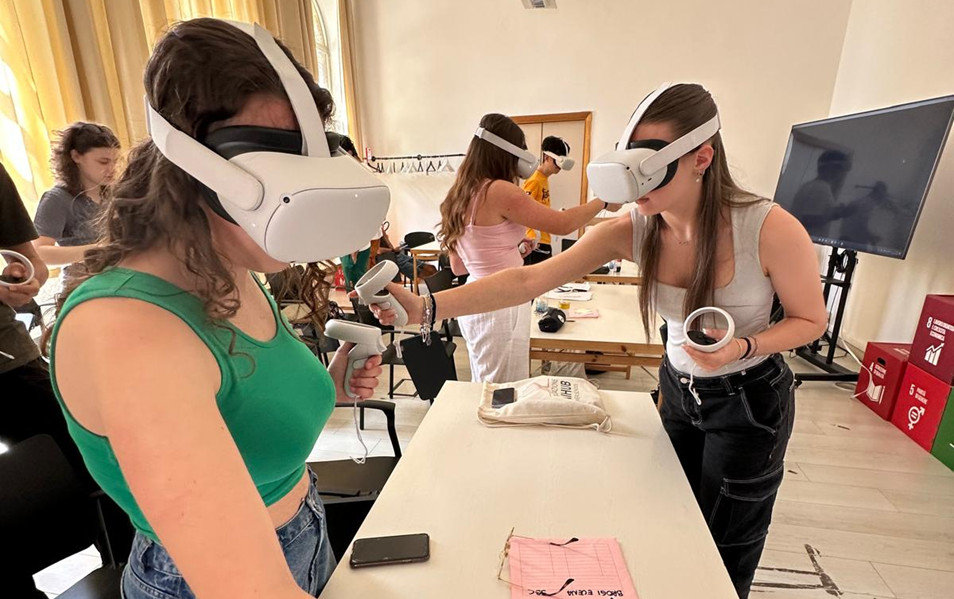
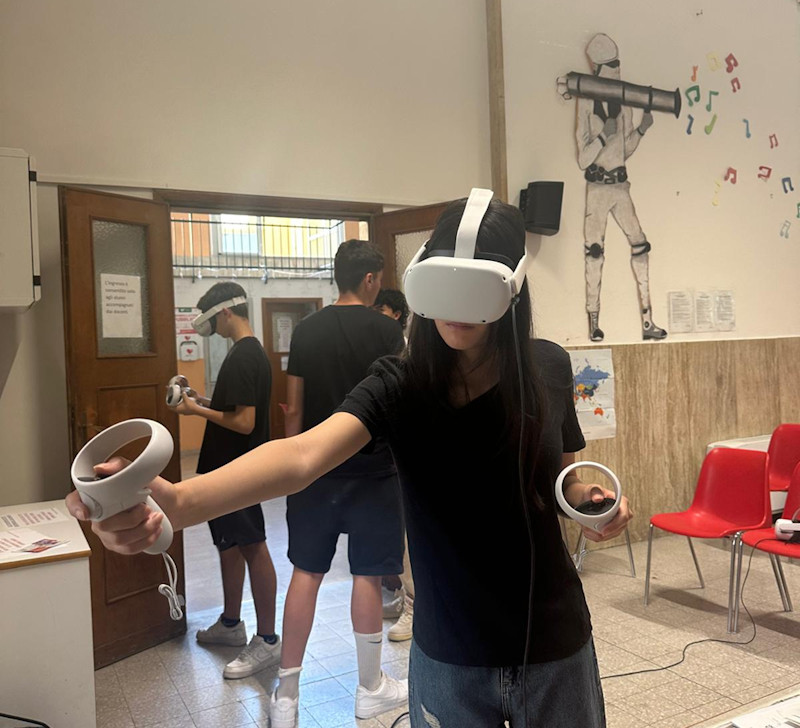
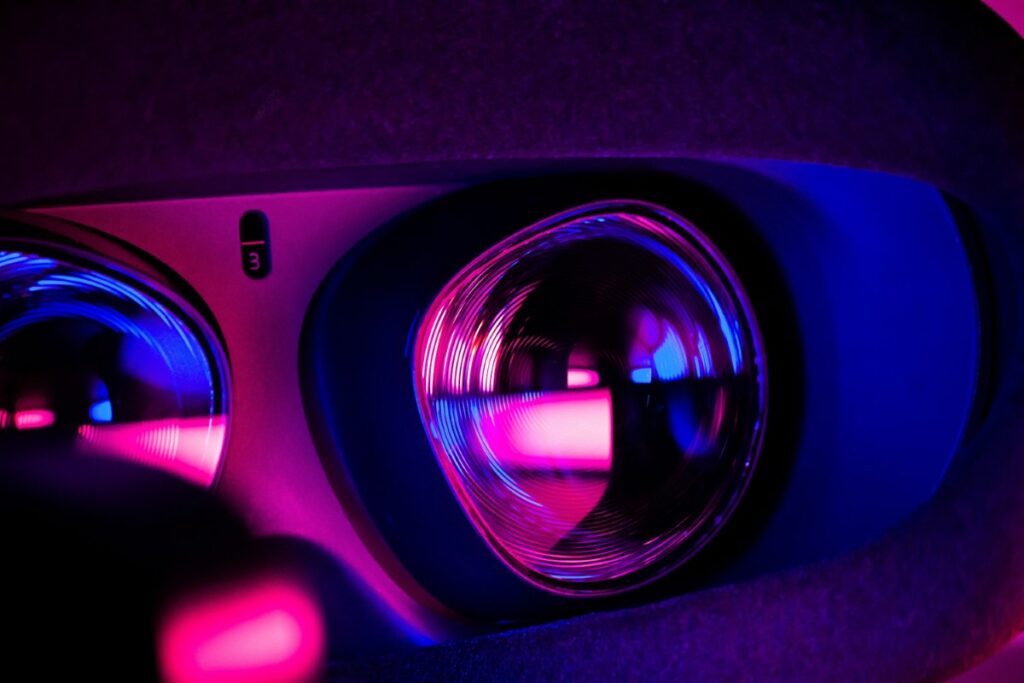
- Standalone VR Headsets: Devices like Meta Quest 3 or Pico 4 (priced around 1500–2500 PLN) work independently without a computer. They’re intuitive to use, similar to a smartphone, and offer access to a rich library of educational apps—ideal for educators investing in a more advanced setup.
- PC VR Systems: High-end options such as HTC Vive or Valve Index deliver the best quality but require a powerful PC (costing from 4000 PLN and up). For beginners, we recommend starting with simpler options to avoid technical complications.
Practical Tips for Getting Started
- Start with one headset: One VR headset is enough for a training group—participants can take turns using it. This lets you test the technology without major expenses.
- Safety first: Ensure you have at least a 2×2 meter space to avoid collisions. Limit sessions to 10–15 minutes, especially for beginners, to prevent motion sickness. Always disinfect the headset after use, particularly in educational environments.
- o Use built-in tutorials: Most headsets come with easy, step-by-step guides. Don’t be afraid to experiment—it’s simpler than you might think!
Streaming – Support for Trainers and Groups
One of the most valuable tools for educators using VR is the ability to stream the headset view to an external screen (e.g., monitor, projector, or interactive board). This allows other participants to see what’s happening in the virtual world while someone is wearing the headset. It’s especially useful if you have only one or a few headsets, as it keeps everyone involved. Streaming also helps trainers maintain control over the session—they can guide, instruct, or pause the simulation in real time. Without this feature, trainers can feel ‘cut off’ from the learner’s experience. Fortunately, standalone headsets like Meta Quest make streaming quick and intuitive via Wi-Fi. Even with just one headset, this feature helps create engaging, interactive lessons where all participants stay connected to the learning process.
Educational Apps – Ready-to-Use Tools
Virtual reality isn’t just about hardware—it’s the software that brings learning to life. Luckily, there are many user-friendly and often free applications available. Here are some great options for beginners:
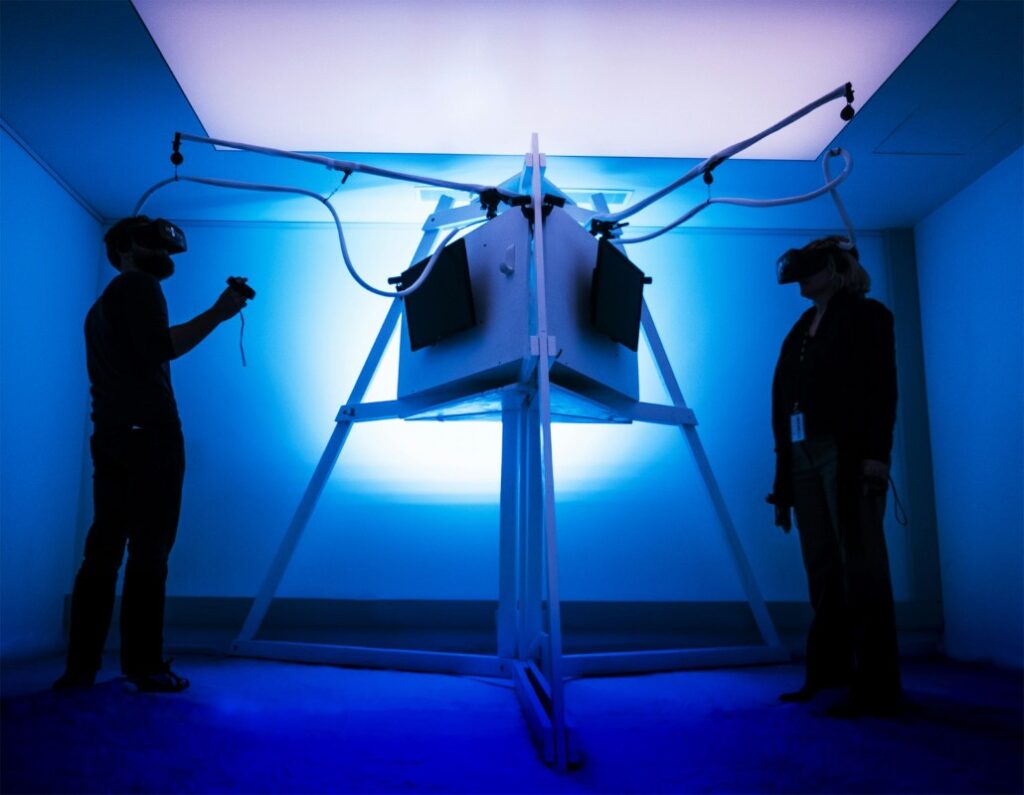
- During our workshops, we used an innovative app that we highly recommend. It immerses users in a virtual environment where they can safely tackle various challenges. The app engages participants through interactive tasks that help develop soft skills like teamwork, communication, and collaboration. It’s ideal for both education and personal development—combining fun, learning, and technology while strengthening group relationships. Download it for free: https://mbssapp.vccsystem.eu/en/vr-instructions
- Nearpod VR: Offers interactive lessons with quizzes and polls that actively engage participants.
- Labster: Provides realistic lab simulations in chemistry, biology, and physics, letting users safely experiment.
- CoSpaces Edu: Allows users to create their own VR worlds and design scenarios using templates—great for fostering creativity and collaboration.
How to Choose the Right Apps
- Look for apps from trusted sources with high ratings on platforms like the Oculus Store or SteamVR.
- Prioritize ease of use—educational apps should be intuitive for both trainers and participants.
- Test free versions before committing to full packages.
Planning VR Workshops – A Practical Guide
To make VR an effective educational tool, a well-thought-out plan is key. Here’s how to design an engaging VR session step by step:
- Define your learning objective: What do you want to achieve? Do you want to help participants grasp a complex concept like DNA structure or spark interest in history through virtual reconstructions?
- Select the right app: Match the tool to your goal. For example, Labster is great for science, while Google Expeditions fits geography or history.
- Plan the session: Start with a short introduction explaining what VR is and how it will be used. Then run a 10–15 minute VR session, followed by a discussion where participants can share impressions and insights.
- Prepare logistics: Charge headsets, install apps, and test Wi-Fi. Keep power banks on hand. Have a backup plan—like an educational YouTube video—just in case.
Example Scenario
Objective: Understanding the structure of the Solar System.
App: Google Expeditions (planet tour).
Scenario:
- 5 minutes: Introduction – explaining what VR is and how it works
- 15 minutes: Participants explore the Solar System in small groups, observing planets and their features
- 10 minutes: Discussion – what differences did they notice between planets? How did VR help them understand the topic?
This approach keeps learners engaged and helps educators build confidence in using VR. Even if not every participant gets to wear the headset, group learning, observation, and discussion make the experience valuable. Such teamwork fosters communication skills and collaborative problem-solving.

Common Mistakes and How to Avoid Them
When organizing VR workshops, we made a few mistakes ourselves—which is normal for beginners! Here are some tips to avoid common pitfalls:
- Overly long sessions: Start with short, 10-minute sessions to prevent discomfort.
- Lack of preparation: Technology alone isn’t enough—always plan your session in advance.
- Too many new things at once: Focus on one app or feature at a time.
- Skipping technical tests: Test your setup before each session to avoid frustration.
- Ignoring safety: Make sure the area is obstacle-free and equipment is sanitized.
YouTube as a Source of VR Knowledge
YouTube is an invaluable source of knowledge and inspiration for educators exploring VR. Here’s how to make the most of it:
- Search specific topics like “VR in education 2025” or “Meta Quest tutorial for teachers” to find up-to-date videos.
- Follow reliable channels focused on VR and education.
- Watch practical tutorials on setup, app installation, and lesson design—take notes and test tips immediately.
- Join the community by commenting, asking questions, and sharing experiences with other educators.
Recommended YouTube channels:
- Teachers Tech – clear tutorials on using technology in education, including VR.
- Gen Alpha Adventures – focuses on VR and AR for younger learners.
- Meta Quest – official channel with setup guides for educators.
- Nathie – reviews of VR apps and gear to help you choose the right tools.
VR in Education – Your Opportunity for Innovation
We’ve seen firsthand that virtual reality is within everyone’s reach—it doesn’t require a big budget or advanced technical knowledge. Start with simple cardboard goggles and free apps to introduce your learners to the immersive world of VR. VR doesn’t just engage participants—it helps them remember and understand complex topics in ways traditional methods rarely do. Our experience shows it’s a powerful tool adaptable to many educational contexts.
Don’t be afraid to take the first step. Put on the headset, test an app, design a simple scenario—and watch as your learners discover new possibilities. Virtual reality isn’t the future—it’s an opportunity to transform learning today.